
The customer loved the work. They thanked the contractor, paid the invoice, and drove away happy.
But the Google review never happened.
That is surprisingly common. People often intend to leave a review but do not know exactly where to click, especially when they are using a phone.
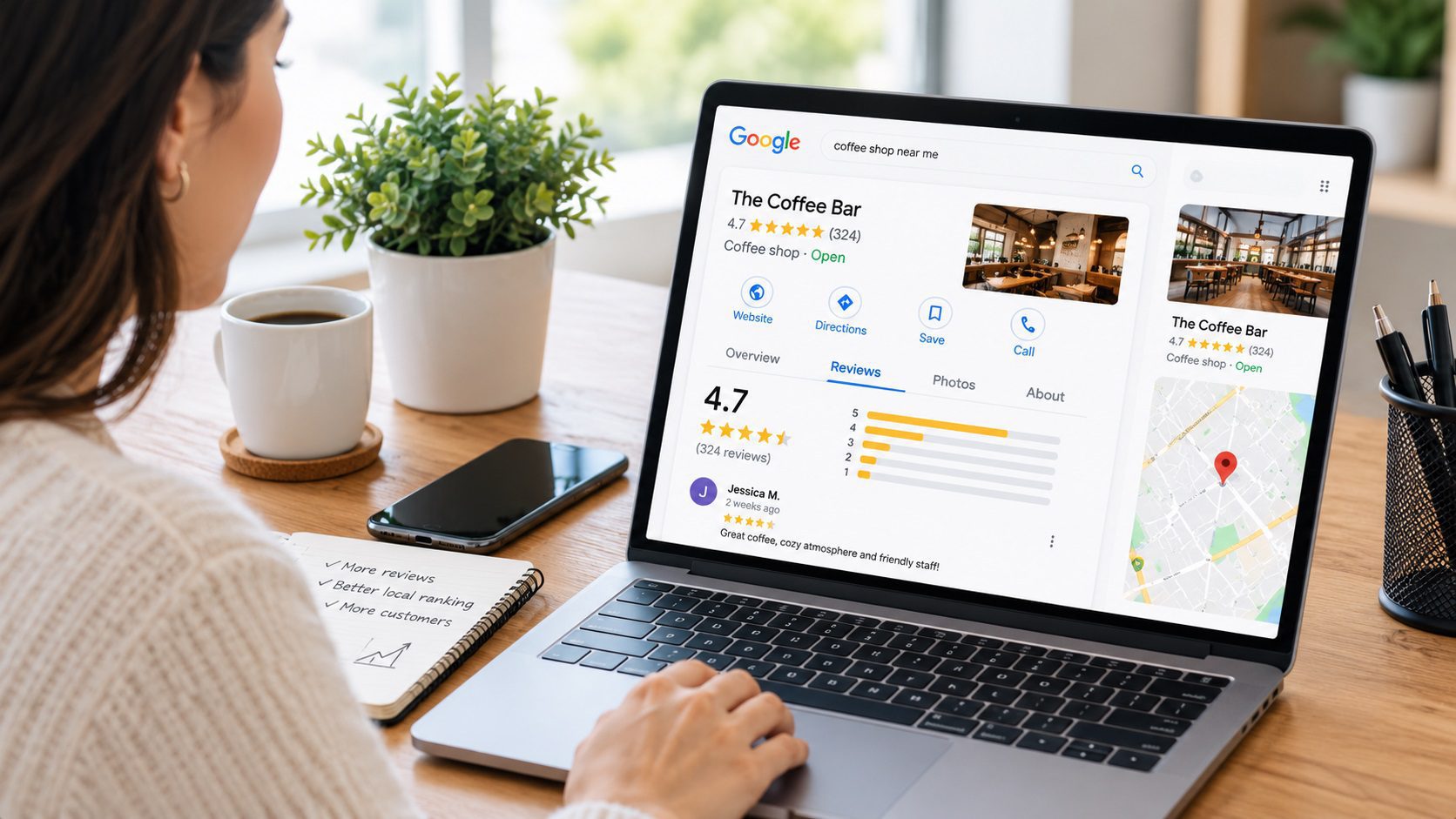
If you want to leave a Google review, the process is simple: find the business in Google Search or Google Maps, open its reviews section, choose a star rating, write your experience, and publish it. You need to be signed in to a Google account.
Below is the full process for desktop and mobile, plus a few tips for businesses that want to make reviewing easier without crossing Google’s or the FTC’s rules.
How to Leave a Google Review on a Computer
- Go to Google Search or Google Maps.
- Search for the business you visited.
- Open the business profile.
- Find the reviews section and select Write a review.
- Choose a star rating from 1 to 5.
- Write a short description of your experience.
- Add photos if they are useful.
- Select Post.
Google explains how users can add, edit, and delete reviews in its official Google Maps review help documentation.
Your review is associated with your Google profile and is visible publicly, so avoid including personal information you would not want others to see.
How to Leave a Google Review on Your Phone
On a phone, Google Maps is usually the fastest route.
- Open the Google Maps app.
- Search for the business.
- Tap the business name to open its profile.
- Scroll to the Reviews section.
- Tap the number of stars you want to give.
- Describe what happened.
- Add relevant photos if desired.
- Tap Post.
A useful review does not need to be long. A few specific details are usually more helpful than a paragraph full of general praise.
What Should You Write in a Google Review?
Imagine you hired a roofer because water was entering your home after a storm.
This review:
Great company. Five stars!
is positive, but it does not tell future customers very much.
This version is more useful:
We called after finding a roof leak following a storm. The team explained the damage, completed the repair, and showed us photos of the finished work.
The second review explains why the customer hired the business, what happened, and what the outcome was.
When writing your own review, consider mentioning:
- The service you purchased
- The problem you needed solved
- How communication went
- What stood out about the experience
- Whether the result matched your expectations
Keep it honest. You do not need to write what you think the business wants to hear.
Can You Edit a Google Review Later?
Yes. Google allows users to edit or delete reviews they previously posted.
In Google Maps, open your profile or contributions, locate your reviews, find the review you want to change, and select the option to edit or delete it. Google’s official Maps help page provides current instructions for each device.
This can be useful when a business resolves a problem after your original review or when you simply want to add more context.
Why Google Reviews Matter to Local Businesses
A review can do more than raise a star rating.
For a homeowner choosing between several roofing, plumbing, HVAC, remodeling, or other local service companies, reviews provide evidence from people who have already dealt with the business.
Reviews are also part of the broader local search ecosystem. That is why businesses often combine review generation with local SEO for contractors, Google Business Profile optimization, service pages, citations, and website improvements rather than treating reviews as a standalone tactic.
A business with hundreds of reviews can still struggle in Google Maps if its local relevance, website, categories, or service-area signals are weak. We covered that issue in our contractor-focused local SEO content because review count alone does not determine visibility.
Should Businesses Offer Rewards for Google Reviews?
This is where a simple review strategy can become risky.
The U.S. Federal Trade Commission’s guidance for marketers soliciting reviews says businesses should understand the rules of the platform they are using and should not ask only customers they expect to leave positive feedback.
The FTC’s Consumer Review Rule also prohibits businesses from conditioning compensation or incentives on a review expressing a particular positive or negative sentiment. You can read the FTC’s Consumer Reviews and Testimonials Rule Q&A for details.
A safer approach is much simpler:
- Ask real customers for honest feedback.
- Ask consistently rather than only asking your happiest customers.
- Send customers directly to your Google review page.
- Do not write reviews for customers.
- Do not buy fake reviews.
How Businesses Can Make Leaving a Review Easier
The biggest obstacle is often not customer satisfaction. It is friction.
A customer may genuinely want to leave a review but forget by the time they get home.
Businesses can reduce that friction by creating a simple process:
- Generate the review link from the Google Business Profile.
- Send it after the job is complete.
- Use the same link in follow-up emails or text messages.
- Consider a QR code on printed material that leads to the review page.
- Let the customer decide what rating and feedback to leave.
The goal is not to manufacture five-star ratings.
The goal is to make it easy for real customers to share real experiences.
The Small Click That Can Influence the Next Customer
A customer may spend less than two minutes leaving a Google review.
But that review could be read by someone months later who is standing in a leaking kitchen, searching for a contractor and wondering which company to trust.
That is the real “why” behind reviews.
They are not just stars beside a business name. They are small stories that help the next customer make a decision.
Want More Than Reviews? Make Sure Google Can Find the Business Too.
Here is the cherry on top: collecting great reviews is useful, but reviews work best when the rest of your local visibility is strong too.
Velautec helps contractors and service businesses connect reviews with SEO for contractors, local SEO, and conversion-focused website improvements so customers can find the business before they ever reach the review section.
We also support marketing agencies that need an SEO execution partner behind the scenes.
Sources
The Velautec SEO Team specializes in Local SEO, lead generation, and organic growth strategies for service-based businesses.
With more than 6 years of experience working across international markets, the team develops SEO strategies for law firms, contractors, and service companies in the U.S. and Latin America.
Our approach combines technical SEO, Google Business Profile optimization, local search strategy, and conversion-focused content to improve rankings, attract qualified traffic, and generate consistent inbound leads.
At Velautec, we focus on building sustainable search visibility, stronger online authority, and measurable business growth.
For businesses and marketing teams
If you are evaluating improvements for your business, explore the service scope related to this guide.