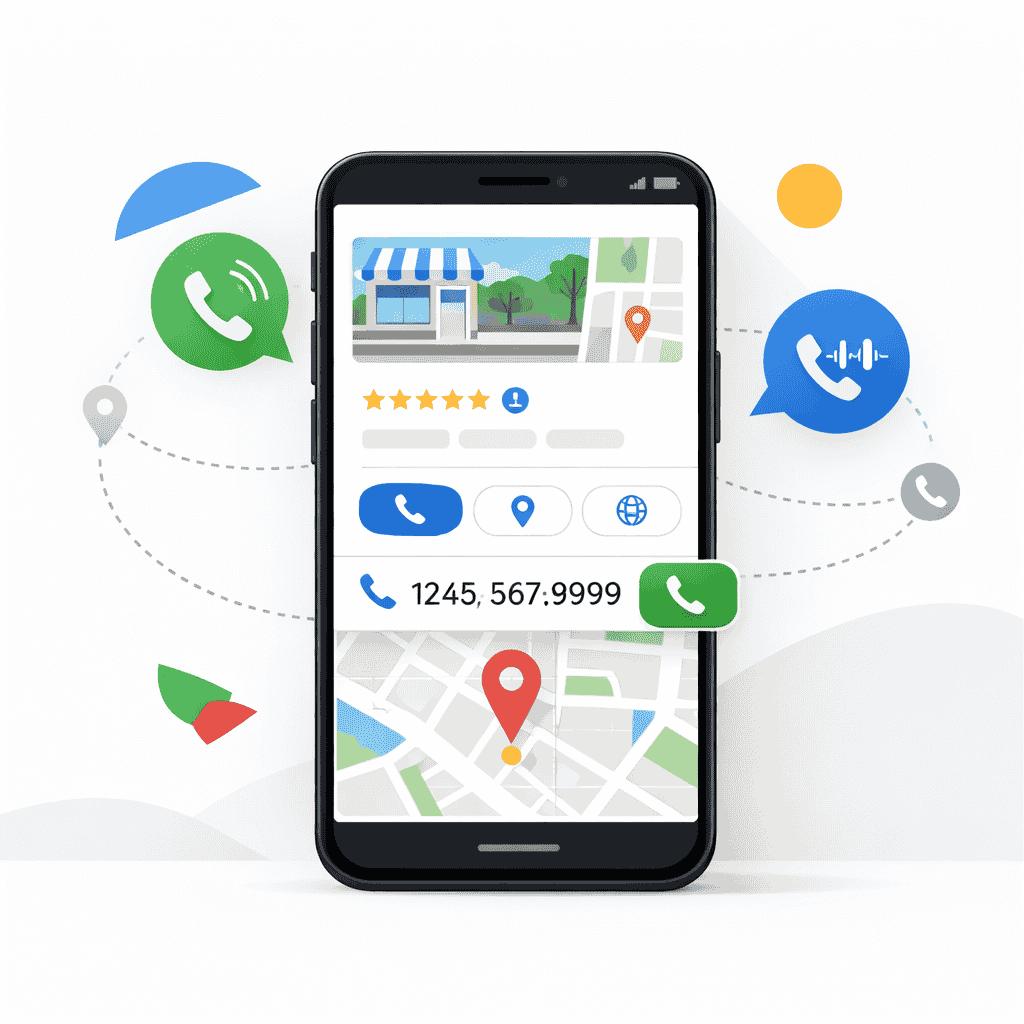
If your Google Business Profile isn’t generating calls, you’re likely missing high-intent leads.
People searching on Google are ready to take action — but if your profile isn’t optimized, they’ll contact your competitors instead.
The good news: this is a common issue and can be fixed quickly.
1. Your Profile Isn’t Fully Optimized
An incomplete profile reduces your visibility and trust.
Make sure you have:
- Accurate business name, address, and phone
- Business hours
- Services listed
- A clear business description
2. You’re Not Ranking in Local Results
If you’re not showing in the top results or map pack, you won’t get calls.
This usually happens when:
- You lack location-based keywords
- Your profile isn’t active
- Competitors are better optimized
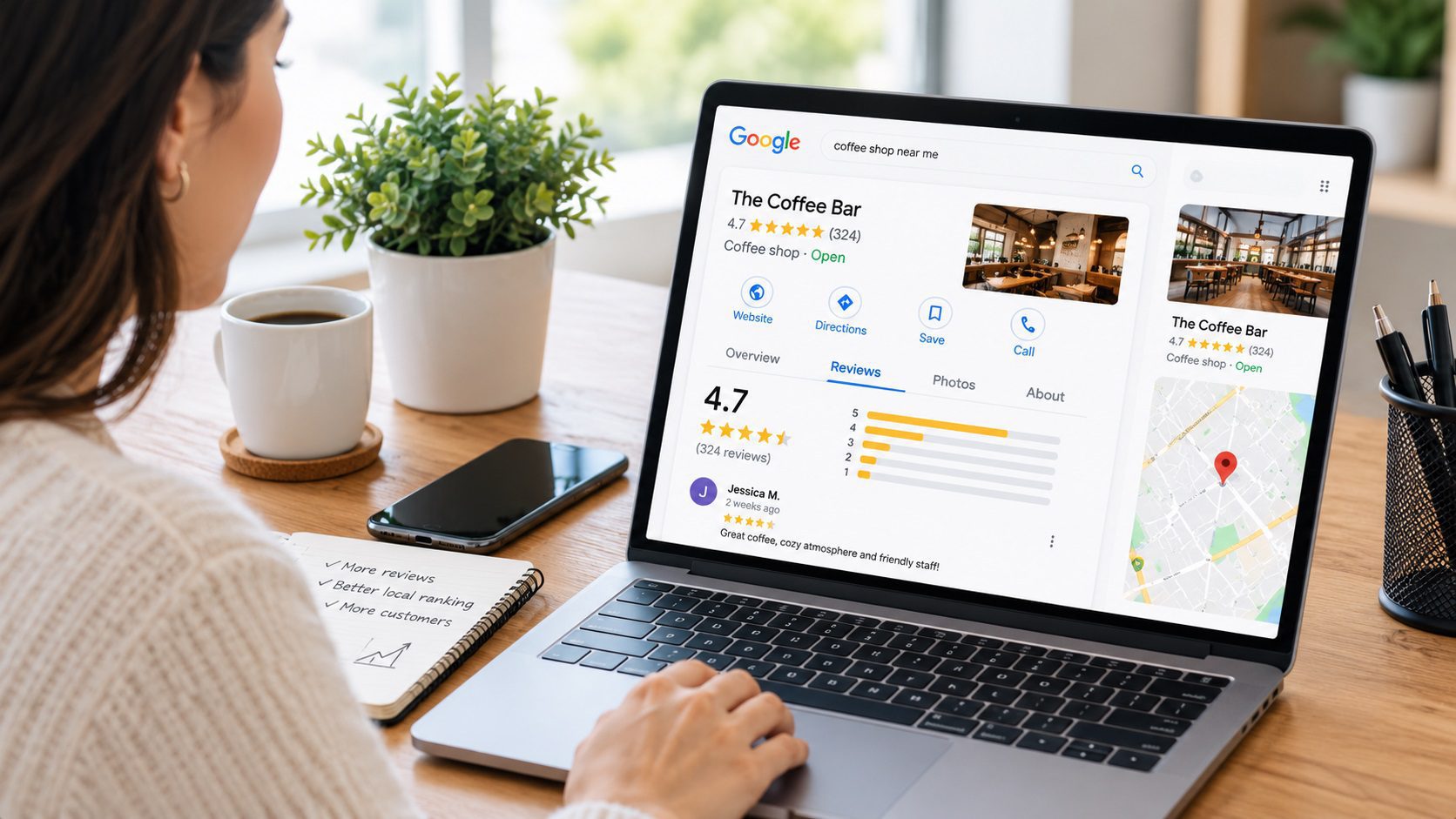
3. You Don’t Have Enough Reviews
Reviews are one of the biggest factors for both ranking and trust.
If you have few or no reviews, users are less likely to call.
Focus on:
- Asking past clients for reviews
- Responding to all reviews
- Maintaining a strong rating
4. Your Profile Doesn’t Build Trust
To increase calls from your Google Business Profile:
- Complete and optimize your profile
- Add location-based keywords
- Get consistent reviews
- Upload photos regularly
- Keep your profile active
How to Fix It
Users decide quickly who to contact.
If your profile lacks:
- Photos of your work
- Clear services
- Updated content
They’ll move on.
The Velautec SEO Team specializes in Local SEO, lead generation, and organic growth strategies for service-based businesses.
With more than 6 years of experience working across international markets, the team develops SEO strategies for law firms, contractors, and service companies in the U.S. and Latin America.
Our approach combines technical SEO, Google Business Profile optimization, local search strategy, and conversion-focused content to improve rankings, attract qualified traffic, and generate consistent inbound leads.
At Velautec, we focus on building sustainable search visibility, stronger online authority, and measurable business growth.
For businesses and marketing teams
If you are evaluating improvements for your business, explore the service scope related to this guide.