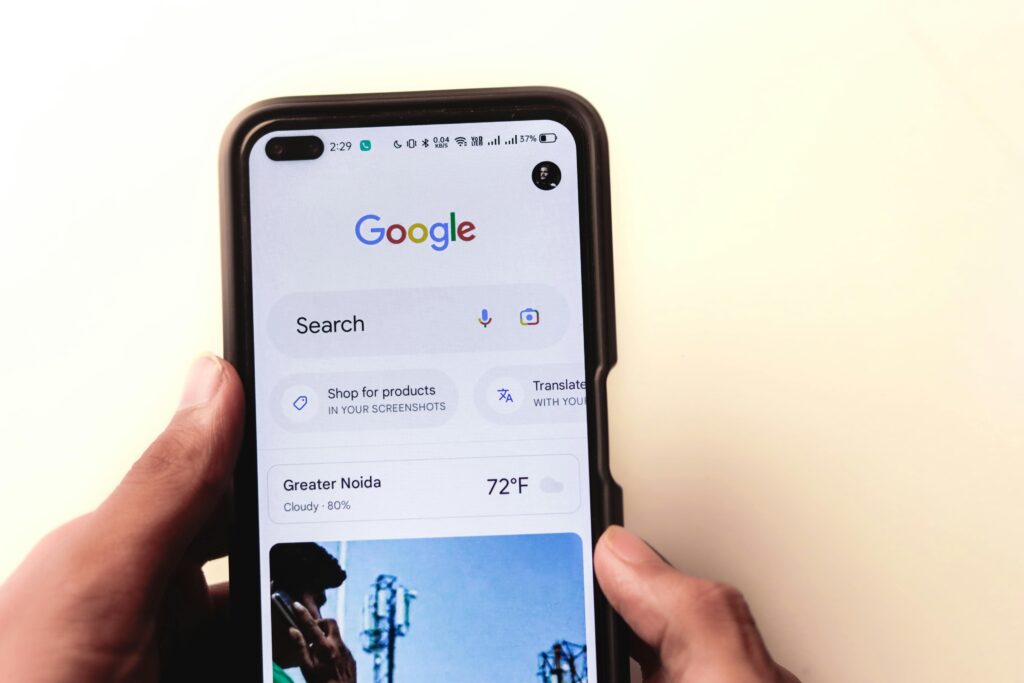
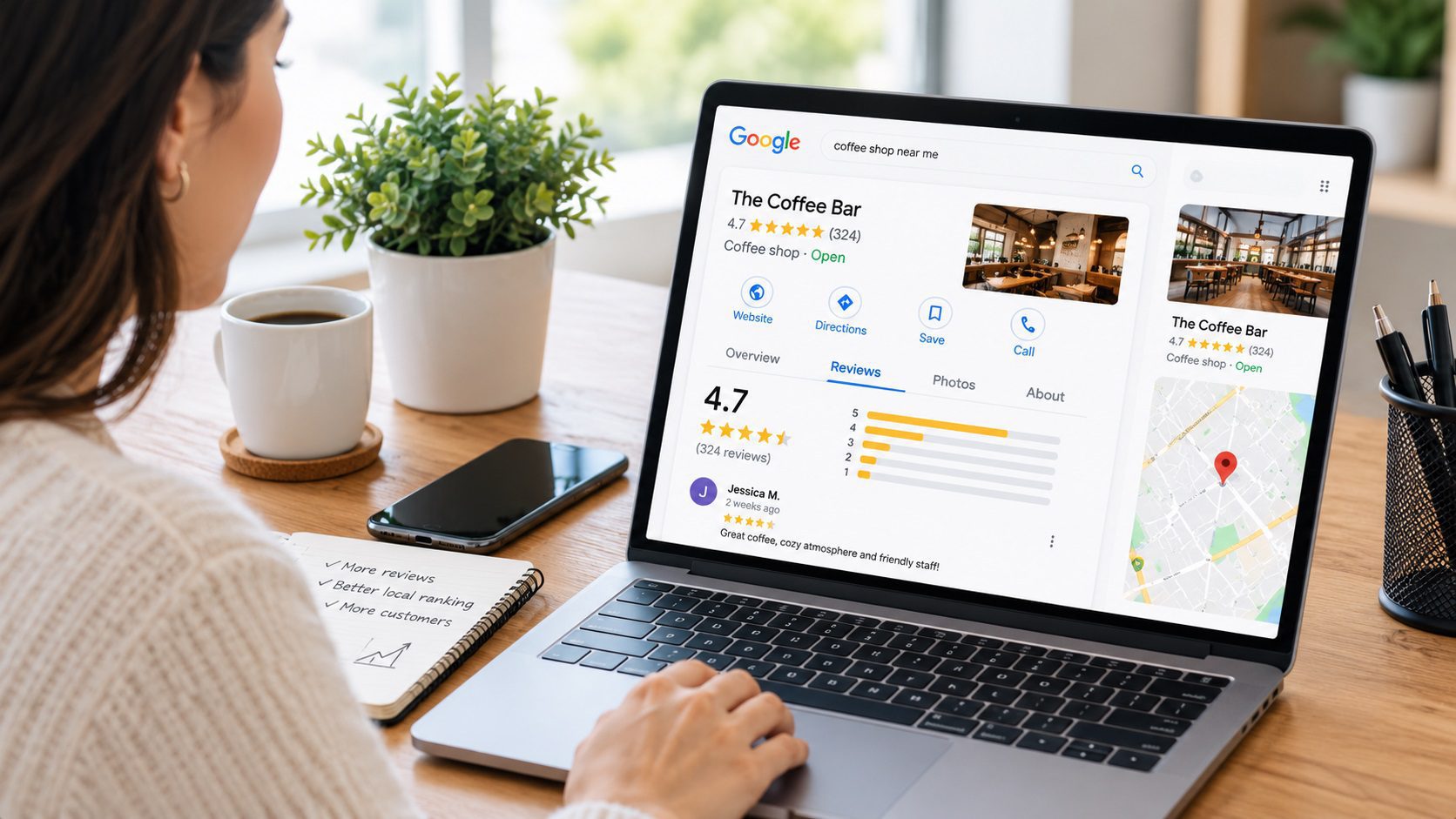
If you have ever left a review for a restaurant, store, contractor, hotel, or another business and later wondered where it went, you are not alone. Google keeps the reviews you publish connected to your Google Maps profile, but finding them is not always obvious.
The good news is that you can view your Google reviews in just a few steps. You can also edit old reviews, change star ratings, delete reviews you no longer want published, and check what other people can see on your profile.
This updated guide explains how to see your Google reviews on desktop, Android, and iPhone, plus what to do if one of your reviews appears to be missing.
How to See google reviews by me on Desktop
How Do I See google reviews by me? Quick Answer
The fastest way to see reviews you have written is through Google Maps.
On a computer:
- Open Google Maps.
- Make sure you are signed into the correct Google account.
- Click the menu icon in the upper-left corner.
- Select Your contributions.
- Select Reviews.
You will then see the places you have reviewed using that Google account.
On a mobile device, open the Google Maps app, tap Contribute, select View your profile, and open your reviews.
If you use several Google accounts, make sure you are signed into the same account you originally used to leave the review.
How to Find Reviews(google reviews by me) I’ve Left on Google
If you are using a desktop or laptop computer, Google Maps provides one of the simplest ways to find reviews you have previously written.
Step 1: Open Google Maps
Open Google Maps in your browser.
Before doing anything else, check the profile icon in the upper-right corner and make sure you are logged into the correct Google account.
This matters because your reviews are associated with the Google account you used when you posted them.
Step 2: Open the Google Maps Menu
Look for the menu icon near the upper-left corner of Google Maps.
Click it to open the navigation menu.
Step 3: Select “Your Contributions”
Choose Your contributions.
This area contains information you have contributed to Google Maps, including reviews, ratings, photos, and other content.
Step 4: Select “Reviews”
Open the Reviews section.
You should now be able to see the businesses and locations you have reviewed.
From here, you can also manage many of your existing reviews.
How to See google reviews by me on Android
You can also find your reviews directly inside the Google Maps mobile app.
On an Android phone or tablet:
- Open the Google Maps app.
- Tap Contribute.
- Select View your profile.
- Scroll to your reviews.
- Tap See all reviews if you want to view the complete list.
You can then browse reviews associated with your Google Maps profile.
If a review you remember writing does not appear, confirm that you are using the correct Google account before assuming that the review was deleted.
How to See My Google Reviews on iPhone or iPad
The process is very similar on iOS.
Open Google Maps on your iPhone or iPad and:
- Tap Contribute.
- Tap View your profile.
- Scroll to your reviews.
- Select See all reviews to view more.
Your Google Maps profile contains the public contributions you have made using that account, including reviews.
The wording or placement of some buttons may change as Google updates the Maps app, but your profile and contributions remain the main place to manage reviews you have written.
How to Find a Google Review You Wrote
If you have written many Google reviews over the years, finding one particular review may take a little more effort.
Start by opening your Google Maps profile and reviewing your previous contributions.
If you remember the name of the business, you can also search for the business directly in Google Maps.
Then look through its reviews or check your own profile to find the review you wrote.
One of the most common reasons people cannot find an old review is surprisingly simple: they are logged into the wrong Google account.
Many people have multiple accounts for personal use, work, school, or older Gmail addresses.
Try switching accounts and checking your Google Maps contributions again.
How to Edit a Google Review You Already Posted
Your original opinion does not have to remain unchanged forever.
Perhaps a business solved a problem after you wrote a negative review. Maybe you want to add more details about your experience. You may also want to change your star rating.
Google lets you edit reviews you have previously published.
On desktop:
- Open Google Maps.
- Go to Your contributions.
- Select Reviews.
- Find the review you want to change.
- Click the three-dot menu next to it.
- Select Edit review.
- Make your changes and publish the updated review.
On mobile, open your profile, find the review, tap the three-dot menu, and select Edit review.
You can update the text and, where applicable, other information connected with the review.
How to Delete a Google Review
You can also remove a review that you no longer want associated with your profile.
Go to your list of Google Maps reviews and locate the review.
Select the three-dot menu beside it and choose Delete review.
Confirm the deletion when prompted.
Once removed, the review will no longer remain published as one of your Google Maps reviews.
Keep in mind that deleting a review is different from editing it. If the general experience is still accurate but some details have changed, editing the review may make more sense than deleting it entirely.
Why Can’t I See My Google Review?
Sometimes you may remember publishing a review but cannot find it later.
There are several possible explanations.
You Are Using the Wrong Google Account
Check this first.
If you regularly switch between multiple Gmail or Google accounts, the review may have been published using another profile.
Switch accounts and check Google Maps again.
Google Removed the Review
Google moderates user-generated content on Maps.
Reviews can be removed if they violate Google’s content policies, including certain forms of spam or prohibited content.
A review appearing initially does not necessarily guarantee that it will remain publicly visible indefinitely.
The Review Has Not Appeared Everywhere Yet
Sometimes there may be a delay before a newly published or recently edited review appears consistently.
If you just posted or updated the review, check again later and make sure you are viewing Google Maps from the correct account.
The Business Listing Changed
A business may change its information or, in some situations, its Google Business Profile may be updated or altered.
That can sometimes make an older review harder to locate.
You Deleted the Review Previously
If you regularly use Google Maps, it is also possible that you edited or deleted an older contribution and no longer remember doing so.
Checking your complete reviews list is the easiest way to confirm what is currently associated with your account.
Are My Google Reviews Public?
Yes.
Reviews posted on Google Maps are public contributions.
Other people may be able to see the review, your public profile name, ratings, and other public contributions associated with your Maps profile.
Google Maps does not offer a standard option to publish a review anonymously.
That makes it worth reviewing what you write before publishing it.
Avoid including private personal information, confidential details, phone numbers, addresses, or information about another person that does not need to appear publicly.
Can People See All My Google Reviews?
Your Google Maps profile can display the public contributions you have made, including reviews.
Google also provides profile visibility controls that can restrict how easily other users browse your profile and contributions.
However, an individual review that you publish on a business or place is still a public contribution.
If you are concerned about a specific review, the most reliable options are to edit it or remove it.
Can I Share a Google Review I Wrote?
Yes.
Google Maps allows users to share reviews they have published.
Find the review through your Google Maps contributions and look for the Share option.
You can then use the available sharing options to send the review to someone else.
This can be useful when you want to recommend a business, restaurant, hotel, attraction, or service provider to another person.
Are “My Google Reviews” the Reviews I Wrote or Reviews of My Business?
This is where the phrase “my Google reviews” can become confusing.
People often mean one of two completely different things.
Reviews You Wrote
These are reviews you personally published about other places or businesses.
To see these reviews, use your Google Maps profile and contributions.
Reviews Customers Left for Your Business
If you own a company, you may instead be looking for reviews customers have written about your business.
Those reviews are connected to your Google Business Profile rather than being reviews you personally wrote.
Understanding this difference can save a lot of confusion.
How to See Google Reviews for My Business
If you own or manage a business, search for your company on Google or Google Maps.
Make sure you are signed into the Google account that manages the Business Profile.
You can then access the reviews customers have left for your company and, when appropriate, respond to them.
For business owners, checking reviews regularly is important because customers often use Google reviews to compare companies before calling, visiting a location, requesting a quote, or making a purchase.
Do Google Reviews Help Local SEO?
Google reviews can contribute to your visibility in local search.
Google explains that local results are primarily influenced by three broad factors:
Relevance, or how closely a business matches what someone is searching for.
Distance, or how close the business is to the searcher or location being searched.
Prominence, or how well known and established the business appears.
Reviews are one of several signals connected with prominence.
Google specifically notes that more reviews and positive ratings can help a business’s local ranking.
That does not mean simply collecting as many reviews as possible will guarantee the top position.
A strong local search presence also depends on having an accurate Business Profile, relevant business information, a useful website, appropriate categories, strong local relevance, and other signals.
For businesses, reviews should therefore be treated as part of a broader local SEO strategy, not as a standalone ranking trick.
Should Businesses Respond to Google Reviews?
In most cases, yes.
Responses show potential customers that someone is actively managing the business profile and paying attention to customer experiences.
For positive reviews, a short and genuine thank-you is often enough.
For negative reviews, avoid immediately turning the response into a public argument.
A better approach is to acknowledge the concern, remain professional, and offer a reasonable way to continue the conversation when necessary.
Avoid publishing exactly the same response to every customer.
Personalized responses tend to look more genuine and useful.
Can Businesses Ask Customers for Google Reviews?
Businesses can ask real customers to share their genuine experiences.
For example, after completing a project or delivering a service, a company may provide customers with an easy way to reach its Google review page.
The important distinction is authenticity.
Businesses should not rely on fake reviews, misleading reviews, or manipulative tactics designed to create a reputation that does not reflect real customer experiences.
A healthy review profile develops naturally from real customers and real transactions.
Frequently Asked Questions About My Google Reviews
Where are my Google reviews?
Open Google Maps and access Your contributions → Reviews on desktop.
On mobile, open Google Maps, tap Contribute, select View your profile, and view your reviews.
Can I see every Google review I have written?
You can view reviews that remain associated with the Google account you are currently using.
If something appears to be missing, check whether you used a different Google account.
Can I edit a Google review after posting it?
Yes.
Find the review in your Google Maps contributions, open its options menu, and choose Edit review.
Can I change the star rating on a Google review?
Yes.
When editing an existing review, you can update your rating and review content.
Can I delete my Google review?
Yes.
Go to your reviews, open the menu next to the review, and select Delete review.
Can Google remove one of my reviews?
Yes.
Google moderates Maps reviews and may remove content that violates its policies.
Are Google reviews anonymous?
No.
Google Maps reviews are public contributions and cannot normally be posted anonymously.
Why isn’t my Google review showing?
First confirm that you are signed into the correct Google account.
Other possibilities include content moderation, a change to the business listing, or a temporary delay.
How do I see reviews customers left for my business?
Search for your company through Google or Google Maps while signed into the Google account associated with your Business Profile.
From there, you can access and manage customer reviews.
Quick Summary: How to Find My Google Reviews
If you simply want to find reviews you have written, remember this:
Desktop:
Google Maps → Menu → Your contributions → Reviews
Android or iPhone:
Google Maps → Contribute → View your profile → See all reviews
From there, you can review your previous contributions and edit or delete reviews when necessary.
Want More Visibility for Your Business on Google?
Finding and managing reviews is useful for individual Google users.
For business owners, however, reviews are only one part of a much larger picture.
Your Google Business Profile, website, local relevance, service pages, content, technical SEO, and overall online authority can all influence how easily potential customers discover your company.
At Velautec, we help businesses improve their organic search visibility, strengthen their local presence, and turn Google searches into real opportunities.
If your goal is to generate more qualified traffic and make your business easier to find in Google Search and Google Maps, a structured SEO strategy can help you build visibility beyond reviews alone.
The Velautec SEO Team specializes in Local SEO, lead generation, and organic growth strategies for service-based businesses.
With more than 6 years of experience working across international markets, the team develops SEO strategies for law firms, contractors, and service companies in the U.S. and Latin America.
Our approach combines technical SEO, Google Business Profile optimization, local search strategy, and conversion-focused content to improve rankings, attract qualified traffic, and generate consistent inbound leads.
At Velautec, we focus on building sustainable search visibility, stronger online authority, and measurable business growth.
For businesses and marketing teams
If you are evaluating improvements for your business, explore the service scope related to this guide.